







Did you arrive in Japan, turn on your eSIM, but find that maps or messaging apps aren't connecting? If your Japan eSIM internet is not working, check your data line selection, roaming settings, and usage period in order. Here are 6 things to check before you rashly delete your eSIM.
1. Make sure the eSIM is installed and the line is turned on
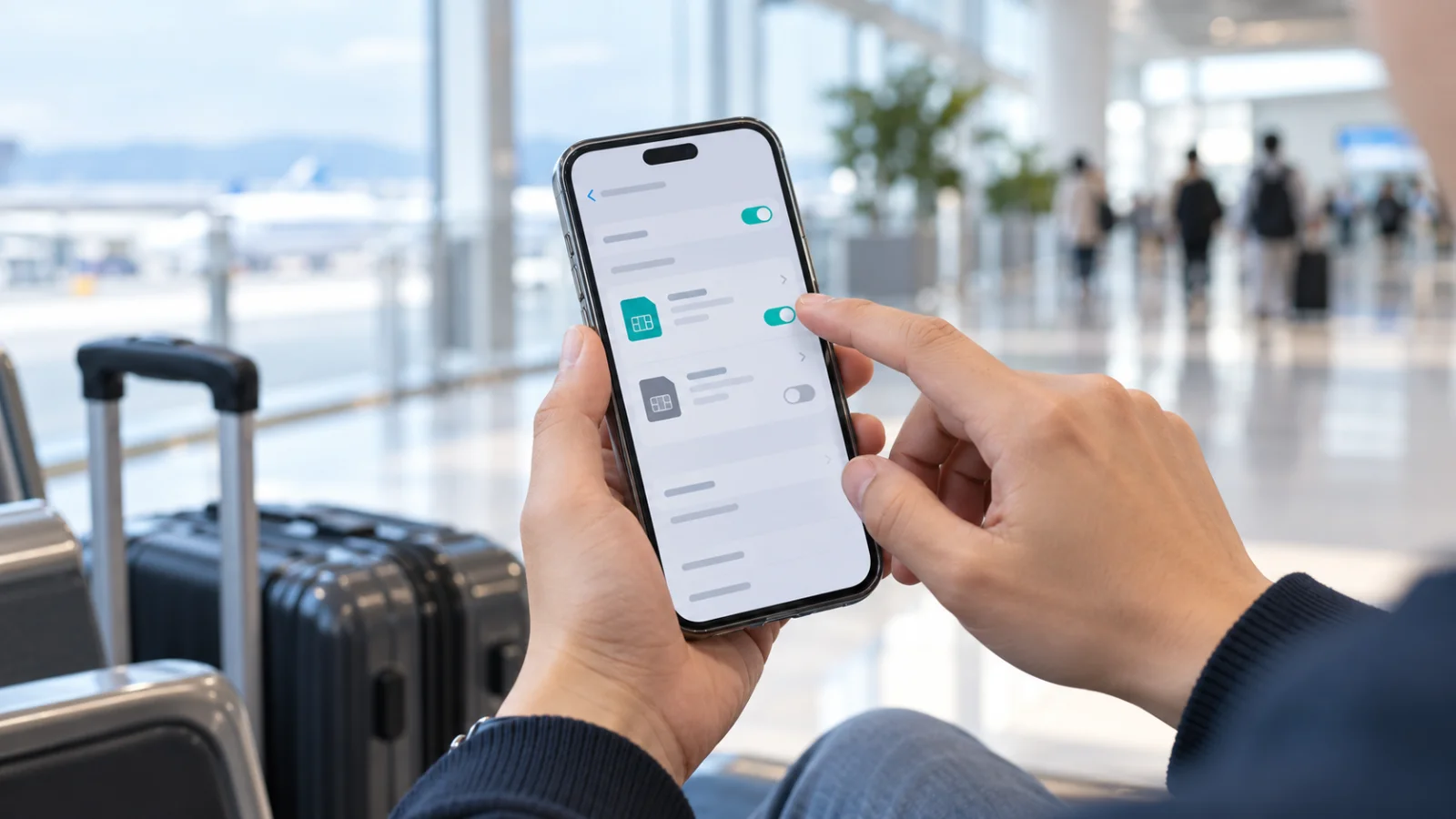
Completing your purchase and completing the installation on your phone are two different steps. Check if the purchased eSIM is visible in the SIM list of your phone settings and if that line is turned on.
On iPhone, you can check this under Settings → Cellular. If the eSIM is not in the list, follow the installation instructions from your point of purchase. Since installation requires an internet connection, it is best to prepare a stable Wi-Fi environment.
If it is already installed, please check the next items rather than scanning the QR code repeatedly. Apple Setup Guide
2. Check if mobile data is assigned to your Japan eSIM
If you are using your home line and the Japan eSIM together, data might still be assigned to your home line even if the eSIM is turned on.
- iPhone: Settings → Cellular → Cellular Data → Select the eSIM to use in Japan
- Google Pixel: Settings → Network & internet → SIMs → Select the SIM to use for Mobile data
Menu names may vary depending on the model and operating system. Make sure to distinguish between the line used for data and the line used for calls and texts.
To avoid overseas data charges on your home line, turn off data roaming for that line and check the automatic data switching settings. Apple Dual SIM Guide, Google Pixel Guide
3. Check the data roaming settings for your Japan eSIM
Even though it is an eSIM used in Japan, you may need to turn on data roaming depending on the product instructions. If you think "I'm abroad, so I must turn off roaming," it might not connect.
Check if the instructions for your purchased eSIM tell you to turn on data roaming, and change the settings for that specific eSIM. To avoid confusing your home line with your Japan eSIM, it is convenient to label the line names like "Home Number" and "Japan Data".
Roaming settings can vary by product, so prioritize the instructions from your point of purchase. KEICALL eSIM Guide
4. Toggle Airplane Mode off and on to reconnect
Once you have verified the line and roaming settings, turn on Airplane Mode for about 30 seconds and then turn it off to check the connection. On iPhone, you can also try turning the eSIM line off and back on, or restarting your device. Apple Roaming Connection Guide, eSIM Troubleshooting Guide
When testing the connection, temporarily turn off Wi-Fi and check if web pages load using mobile data. If you were only connected via Wi-Fi, it is difficult to tell whether the eSIM is actually working.
5. Check your usage period and remaining data
Even if your phone settings are correct, you cannot use the internet if your plan has not started yet or if the usage period has expired. Please check the following in your purchase history or product details:
- Whether the product is valid for use in Japan
- The start conditions and validity period
- Whether the activation or provisioning process is complete
- The remaining data and the terms of use after data exhaustion
The time of installation and the start of the usage period can differ depending on the product. Do not assume that "since I installed it in advance, the period has already started" or "all products start automatically upon arrival in Japan." Be sure to check the terms of your purchased product. KEICALL Plans & Activation Guide
6. Only modify the APN if instructed by your point of purchase
The APN (Access Point Name) is the setting your phone uses to connect to a mobile data network. While some products require manual entry, others are configured automatically.
Entering an APN from another product found online can make connecting even more difficult. If your point of purchase provided APN details, compare those values with your current settings; if not, contact them first.
On iPhone, the APN menu may not be visible or modification may be restricted depending on the carrier. Apple APN Guide
If it still doesn't work, contact support before deleting the eSIM
Apple advises against deleting your eSIM for troubleshooting purposes unless instructed by your carrier. This is because deleting it may require you to obtain a new eSIM. Be sure to check the QR code reuse and reissue policies with your point of purchase. Apple eSIM Deletion Guide
When contacting support, providing the following details will make it easier to explain your situation:
- Order number and product name
- Exact phone model
- Whether you have arrived in Japan and your current location
- Any error messages displayed
- Screenshots of your eSIM line, data line, and roaming settings screens
- Steps you have already tried
When sending screenshots, please ensure that unnecessary information, such as installation QR codes or passwords, is not visible.
Frequently Asked Questions
Can the internet still fail to work even if there is a signal indicator?
Yes. A signal indicator alone does not guarantee that data is working. Check the line selected for mobile data, roaming settings, and your plan status as well.
Can I keep my home line turned on as well?
Yes, you can use them together if your device and plan support Dual SIM. Set your data to the Japan eSIM, and check with your home carrier regarding international call, text, and data rates for your home line. Apple Dual SIM Guide
What information should I prepare if I find the setup difficult?
Prepare your purchase history, phone model, and any error messages. For eSIMs purchased from other vendors, it is best to contact that specific vendor to check the activation status and reissue policies.
Prepare Your Japan Internet with KEICALL
If you are planning a trip or studying abroad in Japan, start by checking whether your phone supports eSIM and how much data you will need. On the KEICALL website, you can explore options tailored to your stay, including eSIMs, Pocket Wi-Fi, and Japan SIM cards with local numbers.
If you are not sure which product is right for you, please let us know your length of stay, phone model, and whether you need a Japanese phone number. You can inquire through the consultation channel on our website.