






Have you ever arrived in Japan, connected to the internet, and then panicked because you needed a verification text from a Korean bank?
When preparing for a working holiday or studying abroad, it is hard to get rid of your Korean number right away. That is because you still need it for things like credit card alerts and identity verification.
If your smartphone supports Dual SIM, you can configure both your Korean line and your Japanese data line together. However, turning on both lines and choosing which line to use for data are two separate settings you must check.
Start by Labeling Your Lines
If both lines appear as 'Primary' and 'Secondary' in your settings, it is easy to get confused.
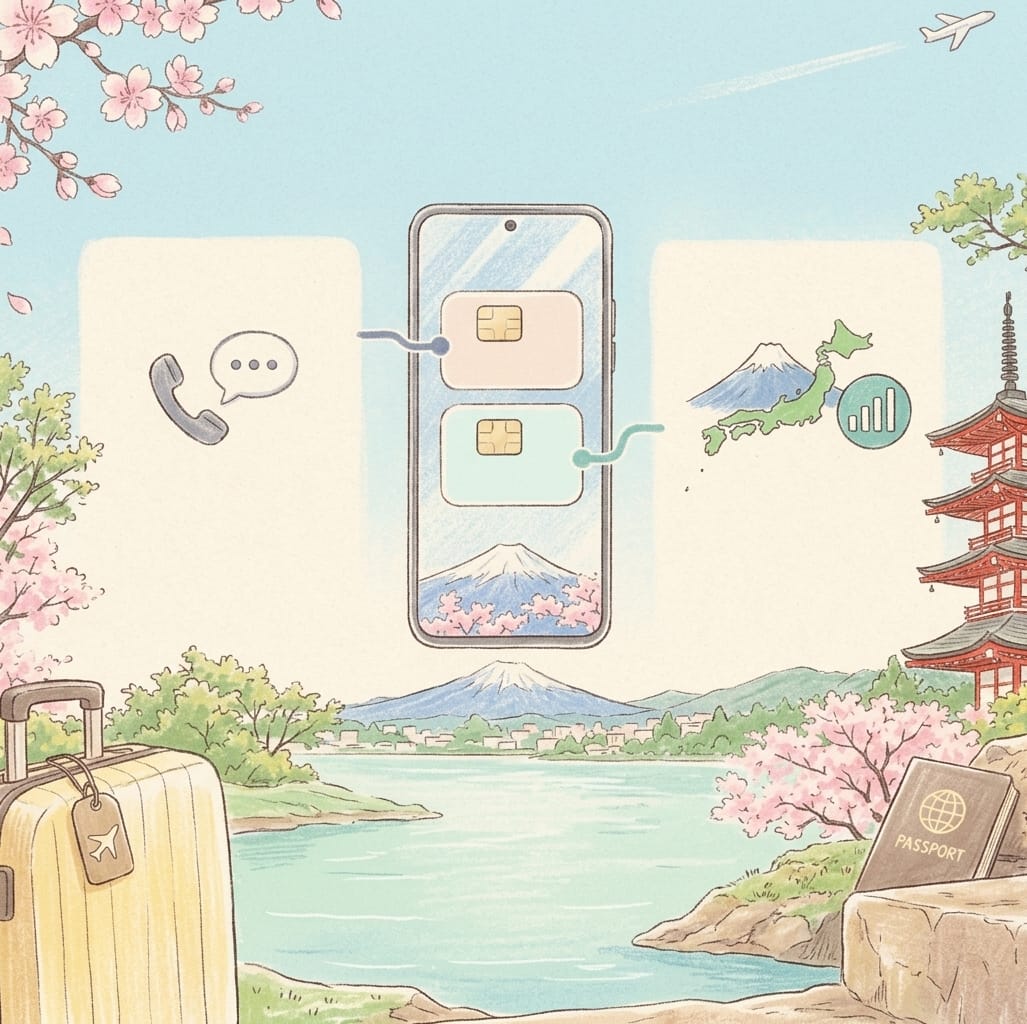
If possible, rename your lines like this:
- Korean Number
- Japan Data
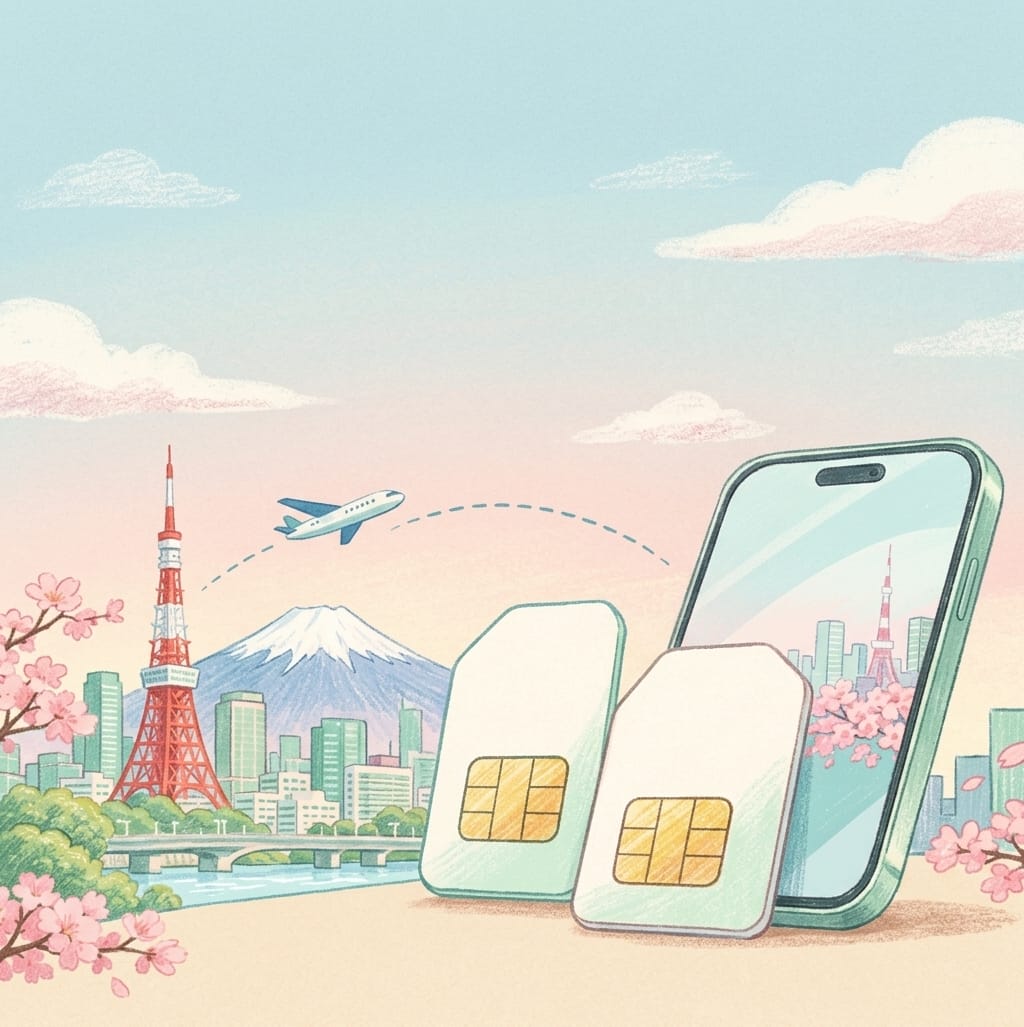
Next, check if 'Japan Data' is selected for your Mobile Data. On iPhones, you can check this in Cellular settings; on Galaxy phones, look under SIM Manager in Connections. Menu names and supported features vary by device model and OS. Apple Dual SIM Guide, Samsung Service eSIM Guide
Will You Receive All Verification Texts If You Keep Your Korean Line On?
Even if you keep your Korean line, receiving SMS depends on your mobile carrier, overseas blocking settings, and line status.
Before departing, it is best to check the following two items with your Korean carrier:
“I want to receive verification texts on my Korean number while in Japan.”
“I want to block data usage on my Korean line. What settings do I need?”
Receiving SMS, making/receiving calls, and data roaming each have different conditions. Hearing that you can receive certain SMS messages should not be interpreted as all overseas usage being free.
Check the 'Auto Data Switching' Feature
Dual SIM settings may include a switching feature that uses data from the other line depending on the situation.
For example, on Galaxy phones, if your call SIM and data SIM are set differently, data connectivity during calls might be restricted. Samsung Electronics Service notes that enabling Data Switching uses data from the SIM currently on a call, which may incur additional fees depending on your plan and roaming conditions. Samsung Service Guide
If you do not want to use data on your Korean line, make sure to check both the auto-switching settings and carrier blocking conditions. Rather than turning on switching right away when the internet drops briefly, it is better to check which line's data will actually be used.
Follow Product Instructions for Japanese Line Roaming Settings
If you simply remember to "turn off all data roaming overseas," your Japanese data line might not connect either.
Separate your Korean line from your Japanese data line, and follow the installation instructions of your purchased product for the Japanese line's roaming settings. Required settings may vary depending on the product.
If it fails to connect, providing the following information when seeking support will help pinpoint the cause:
- Exact smartphone model
- Operating system version
- Line selected for mobile data
- Error message displayed
When sending screenshots, please cover your phone number, QR code, and personal identifiable information.
A Quick Note to Take Before Entering Japan
Write a quick note on your phone clarifying what your Korean number will be used for and what your Japanese line will be used for.
For instance, use your Korean number for verification texts and your Japanese line for maps and messaging data. Then simply check if your actual settings match those intended purposes.
Travel data plans and local phone number plans needed for living in Japan serve different purposes. Organizing the features you need first will make choosing a product and setting it up much easier.
If you need consultation with KEICALL, please let us know your phone model, length of stay in Japan, and whether you need voice calls or SMS. Availability of travel products for long-term residents will be confirmed and advised separately.